

Skip to content

Training

Help your team work independently.

Practical training to become more independent.

We train teams in the business tools we develop, WordPress website creation and computer maintenance. Each programme combines explanations, exercises and materials suited to participants’ experience.

Discuss this service
Gabriel Genoni talking with a client in an office.
Editorial illustration

Start with your business

Learn through practice.

Training becomes useful when participants can repeat the actions in everyday work. We start with their experience, roles and tasks. Demonstrations provide a reference; exercises let them practise and ask the questions that arise during use.

The programme can cover a business tool built for your team, WordPress website creation or computer maintenance. Materials, equipment and exercises are prepared for the selected programme. Pace and goals are adapted to the group within the framework agreed before the session.

TRAINING PROGRAMMES

Three areas to practise.

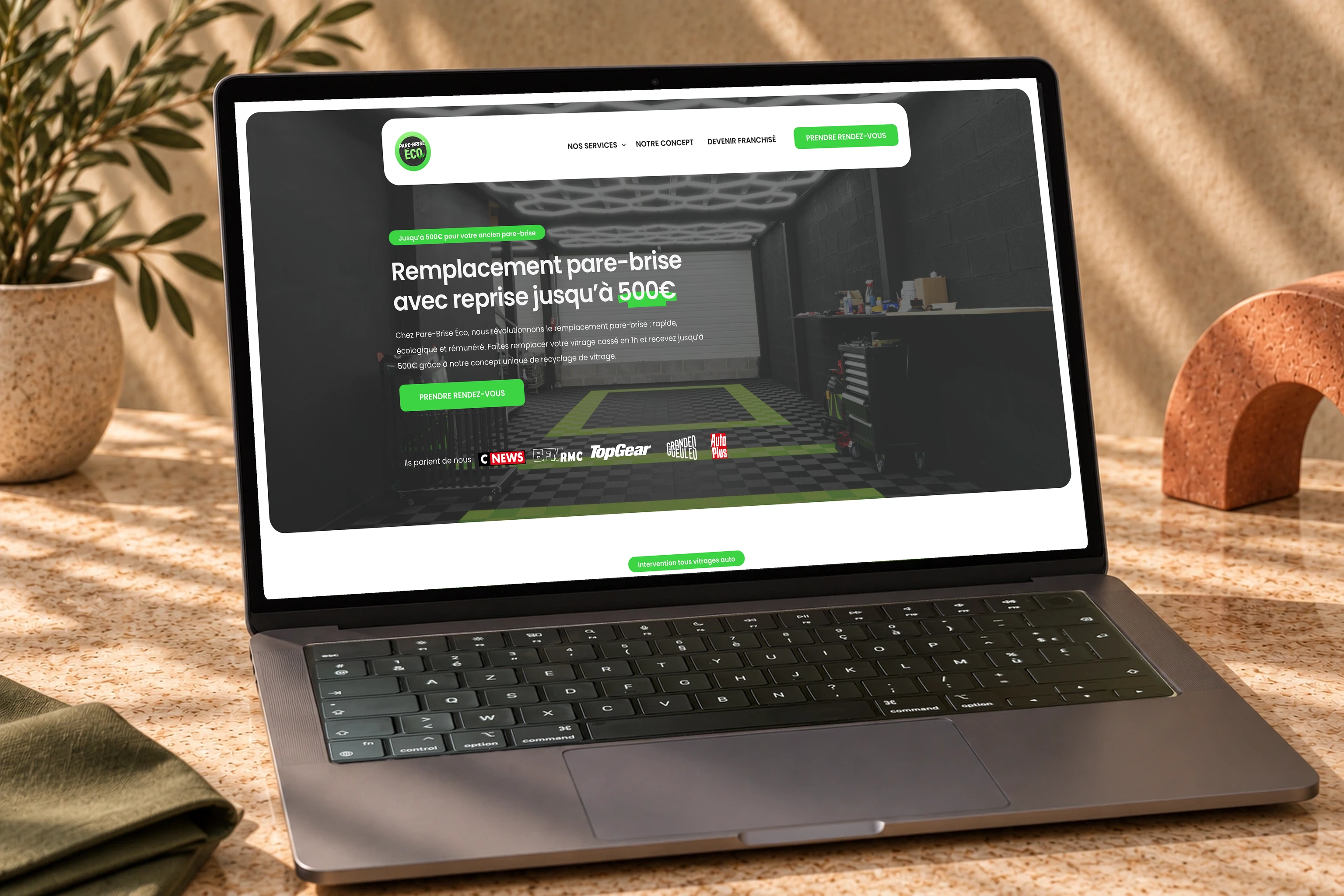
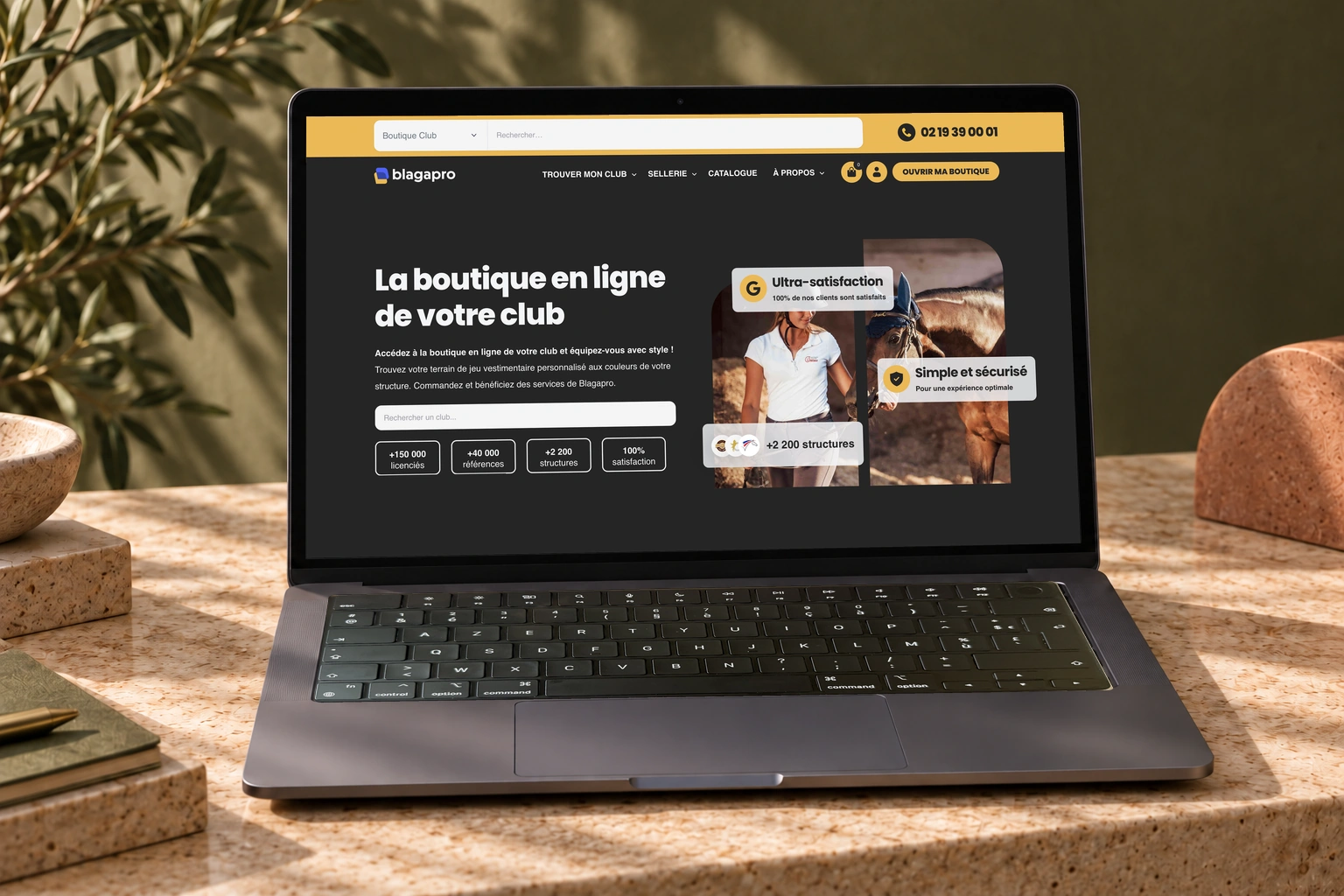
Adopt a business application

Learn the journeys needed in each role: viewing a record, handling an order or approving a step. Exercises follow the roles and situations encountered by your team.

Your business tools

Role-based application training: demonstrations, exercises based on your workflows and materials for your team.
Manage a WordPress website

Understand website structure, prepare a page and organise content. Practice can cover navigation, media and the administration features defined in the programme.

WordPress website creation

Installation, pages, navigation, content and administration: learn to build and manage a WordPress website.

Maintain a computer

Identify components, understand their role and practise the planned tasks. Disassembly, reassembly and first-level diagnosis are covered with appropriate handling precautions.

Computer maintenance

Component identification, disassembly, reassembly and first-level diagnosis, with the appropriate handling precautions.

These deliverables provide a starting point for discussion. The final scope and acceptance criteria are agreed before work begins.

TEACHING EXPERIENCE / PARIS

More than 20 courses
delivered at CFORPRO.

We have delivered more than 20 courses at the CFORPRO training centre in Paris, covering WordPress website creation and computer maintenance.

CFORPRO’s quality framework

CFORPRO holds Qualiopi certification for its training activities. Its WordPress course lists TOSA WordPress certification, linked to the RS6965 qualification awarded by ISOGRAD.

Its computer maintenance course includes an assessment and a training attendance certificate. The certifications listed here belong to the centre and the relevant programmes. Certification or funding arrangements are to be confirmed with CFORPRO for the chosen session.

HOW WE WORK

From scope to handover.

  1. 01

    Define the group’s goals

    We identify participants’ experience, target tasks and equipment conditions. The programme, duration and materials are agreed around these elements.

  2. 02

    Combine explanation and practice

    Demonstrations are followed by guided exercises on selected workflows. Questions and observed difficulties help adapt explanations during the session.

  3. 03

    Prepare independent practice

    We revisit essential actions and points that need particular attention. Agreed materials give participants references for continuing to practise after training.

BUDGET REFERENCE

A clear scope from the start.

€600ex VAT / day

Work estimated at €600 excluding VAT per production day, after scoping.

Production days are a workload estimate, not a calendar delivery deadline. Third-party subscriptions and fees are identified separately.

Request a quote

BEFORE WE TALK

What helps us get started.

  • Participants, their roles and current experience
  • Tasks they need to be able to complete
  • Available tools, accounts and equipment
  • Group and scheduling constraints

The programme and participation conditions are specified before the session. Arrangements for programmes offered by a training centre are confirmed with that centre.

Let’s discuss your needs

IN PRACTICE

Real projects. Real uses.

YOUR QUESTIONS

Before we start.

Budget, scope, timing and handover: these answers help you prepare your project. For a question specific to your business, let’s talk directly.

Let’s discuss your needs
Have you trained teams before?

More than 80 people were trained at Pare-Brise Éco and 25 at Blagapro as part of the projects presented.

Is training adapted to different roles?

Sessions can be organised around roles and access permissions. The programme is agreed with the project leads.

How is the budget calculated?

Preparation, delivery and materials are scoped together at a reference rate of €600 excluding VAT per day. No per-person rate is implied.

Does the programme lead to certification?

Our work at CFORPRO is part of the centre’s programmes. Qualiopi covers its training activities; TOSA WordPress relates to the WordPress course listed by CFORPRO. Examination and funding arrangements should be confirmed with the centre for the selected session.

Can different groups be trained separately?

Yes. Programmes can be organised around roles, experience and expected tasks. We agree groups, exercises and required access so each session covers relevant workflows.

What equipment is needed?

That depends on the programme. We define workstations, accounts, software and, for hardware practice, the equipment required. Preparation happens before the session so agreed exercises can take place.

RELATED SERVICES