Priority journeys
Identification of users, goals and required screens.
UX / UI design
Clear user journeys before the first lines of code.
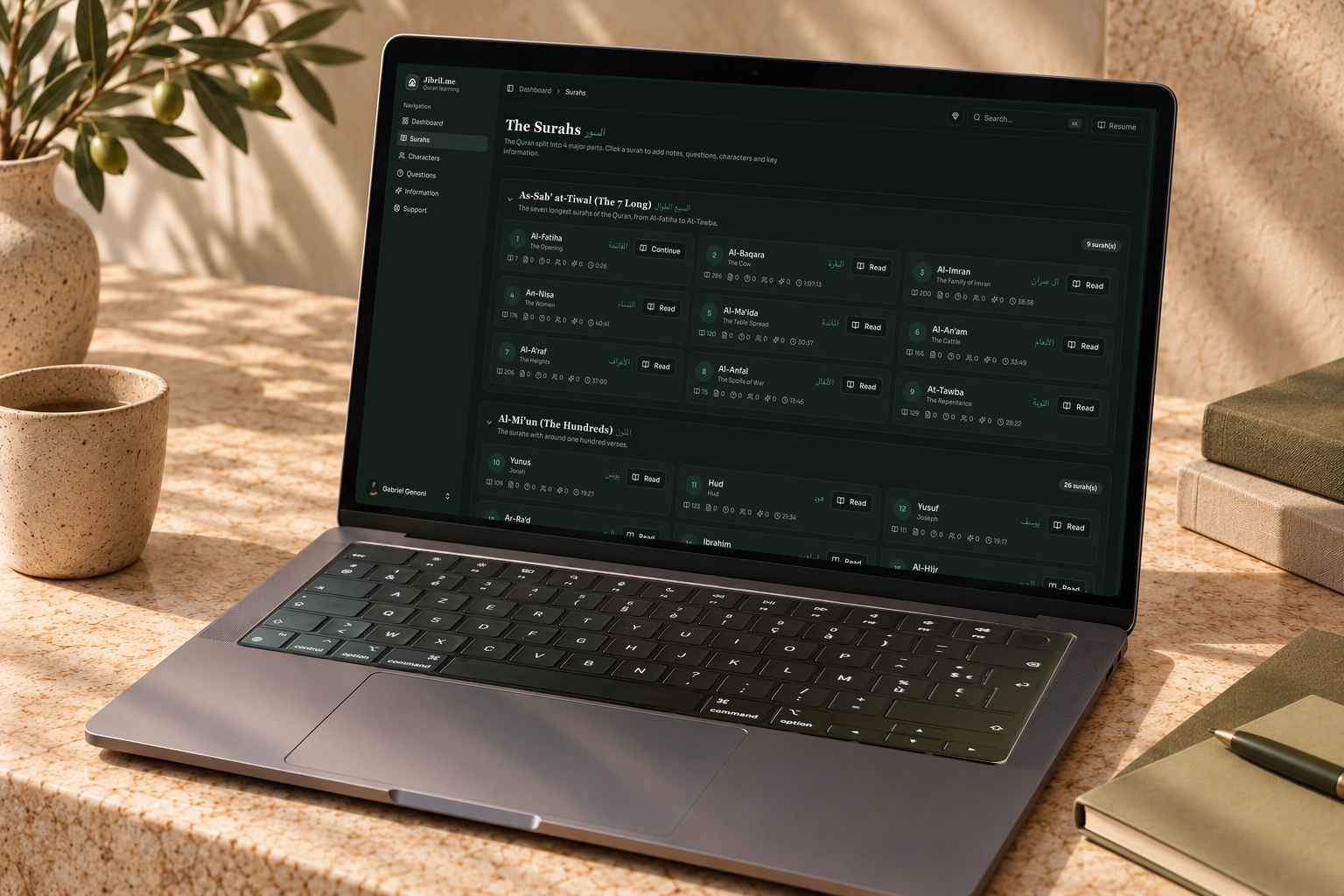
We organise information and design screens around the actions your users need to take. A prototype helps you discuss decisions and review journeys before development begins.
Discuss this service
Start with your business
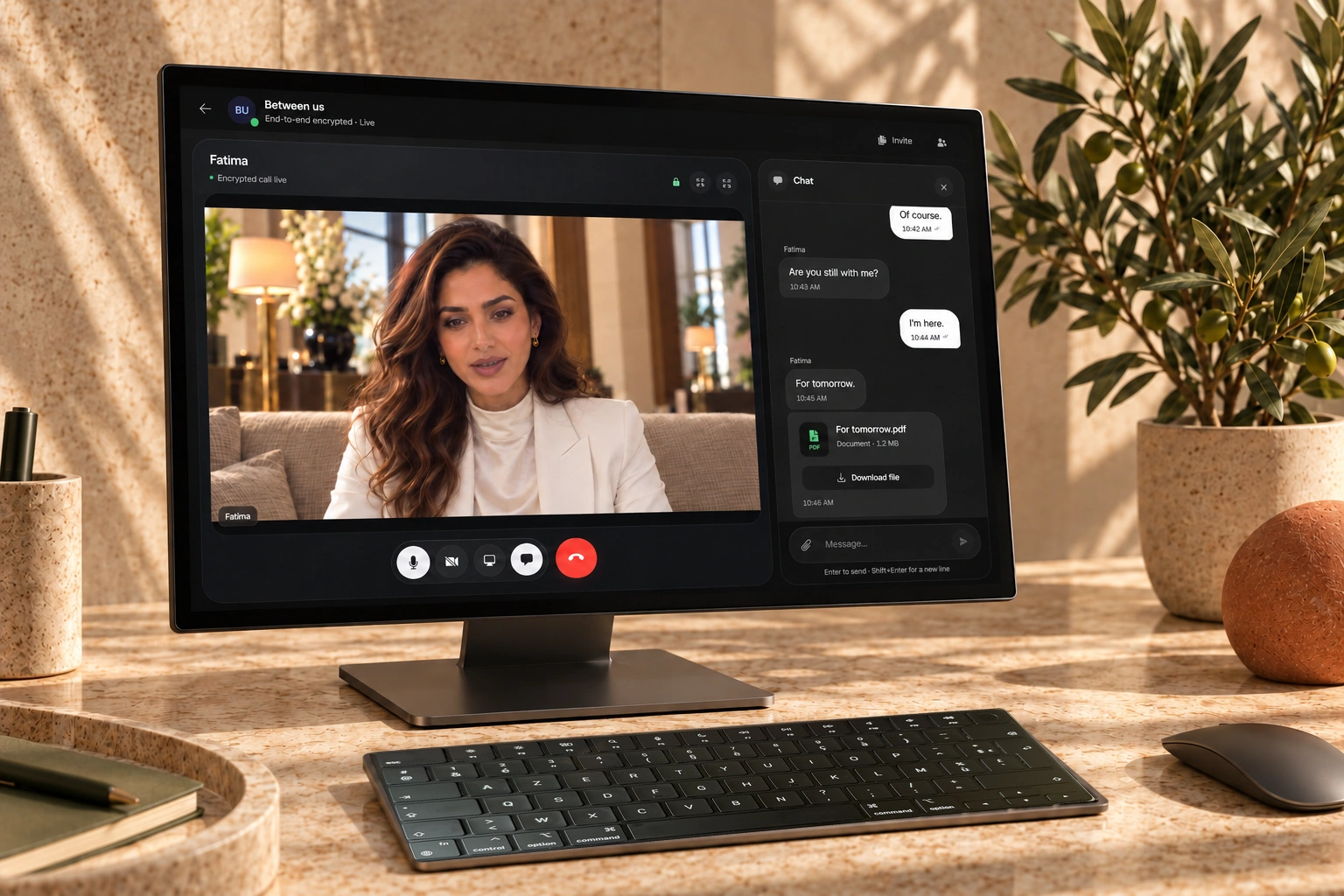
Useful design starts with actions: understanding an offer, finding information, completing a record or placing an order. We organise content and screens around these goals. Visual direction gives a product its identity; journey design gives it structure.
We also work on less visible states: loading, no data, errors and confirmation. A prototype lets you discuss how screens connect before investing in development. Decisions are handed over in a form the team building the interface can use.
FROM JOURNEY TO INTERFACE
Identification of users, goals and required screens.
Screen design and a demonstration of the main flows.
Components, typography and behaviour to guide development.
These deliverables provide a starting point for discussion. The final scope and acceptance criteria are agreed before work begins.
Turn an idea into journeys and screens you can discuss. We define priority actions, then a structure and visual direction suited to users and your brand.
Revisit navigation, a form or a sequence that causes uncertainty. Reviewing screens and available feedback helps identify useful changes.
Give buttons, fields, headings and messages shared rules. Components make screens consistent and help the product evolve.
HOW WE WORK
We identify users and the tasks they need to complete. Content, technical constraints and available feedback shape initial journeys and help select those to prototype.
Screen structure comes before visual treatment. You review hierarchy, navigation and main interactions; typography, colours and components then define the identity.
The prototype and interface guidelines are reviewed with the people building the product. Behaviour, variants and responsive layouts are specified in the agreed deliverables.
BUDGET REFERENCE
€600ex VAT / day
Work estimated at €600 excluding VAT per production day, after scoping.
Production days are a workload estimate, not a calendar delivery deadline. Third-party subscriptions and fees are identified separately.
Request a quoteBEFORE WE TALK
A visual reference helps discuss intentions. We translate it into choices specific to your business and its users.
Let’s discuss your needsIN PRACTICE
YOUR QUESTIONS
Budget, scope, timing and handover: these answers help you prepare your project. For a question specific to your business, let’s talk directly.
Let’s discuss your needsYes. We start with your existing brand guidelines, content and materials.
A prototype is used to review journeys. It does not replace development of working features and integrations.
At €600 excluding VAT per day, based on the journeys, screens and review rounds agreed before the work begins.
Yes. The scope can cover journeys, mock-ups, a prototype and interface guidelines. Handover formats are agreed with the team responsible for development.
We can start with a targeted journey, such as sign-up or handling a request. Adjacent screens and shared components are reviewed to maintain consistency with the rest of the product.
RELATED SERVICES